In this guide
The cancellation that wasn't about the product
A customer cancels with a short note: her clients never received the reminders. You check the logs. Every email was sent and accepted. They were delivered, just not to the inbox. They went to spam, where nobody looks.
For a product that works by sending emails, landing in spam means the product isn't working, and customers rarely tell you before they leave.
The short version
- Emails sent from a shared or default address are easy for inboxes to distrust.
- Three DNS records fix most of it: SPF, DKIM and DMARC. Your email service gives you the values; you paste them into your domain settings.
- Keep spam complaints below 0.1% and never let them reach 0.3%, which is the line Gmail draws.
How inboxes decide
When an email arrives, Gmail, Yahoo and Outlook ask two questions:
- Can I prove who sent this? Does the email carry evidence that it really comes from the domain in the "from" address?
- Do people want mail from this sender? Do recipients open it, reply, or mark it as spam?
The first question is answered by DNS records you control. The second is answered by your recipients, over time. A small product usually fails the first question without knowing it, and then the second follows.
Why small products end up in spam
- Sending from a shared or default address. Email services often let you send from their own domain while you test. In production, that means sharing a reputation with everyone else doing the same, and nothing proving the email is yours.
- Missing authentication. No SPF, no DKIM, no DMARC: the inbox has no evidence either way, and treats you with suspicion.
- A "from" name nobody recognises. Your company's legal name instead of your product's name invites "report spam".
- Mixing product and marketing email. If your newsletter gets complaints, your sign-in links suffer too.
- A sudden burst from a new domain. Launch day from a brand-new domain looks like a spammer's first day.
The three records
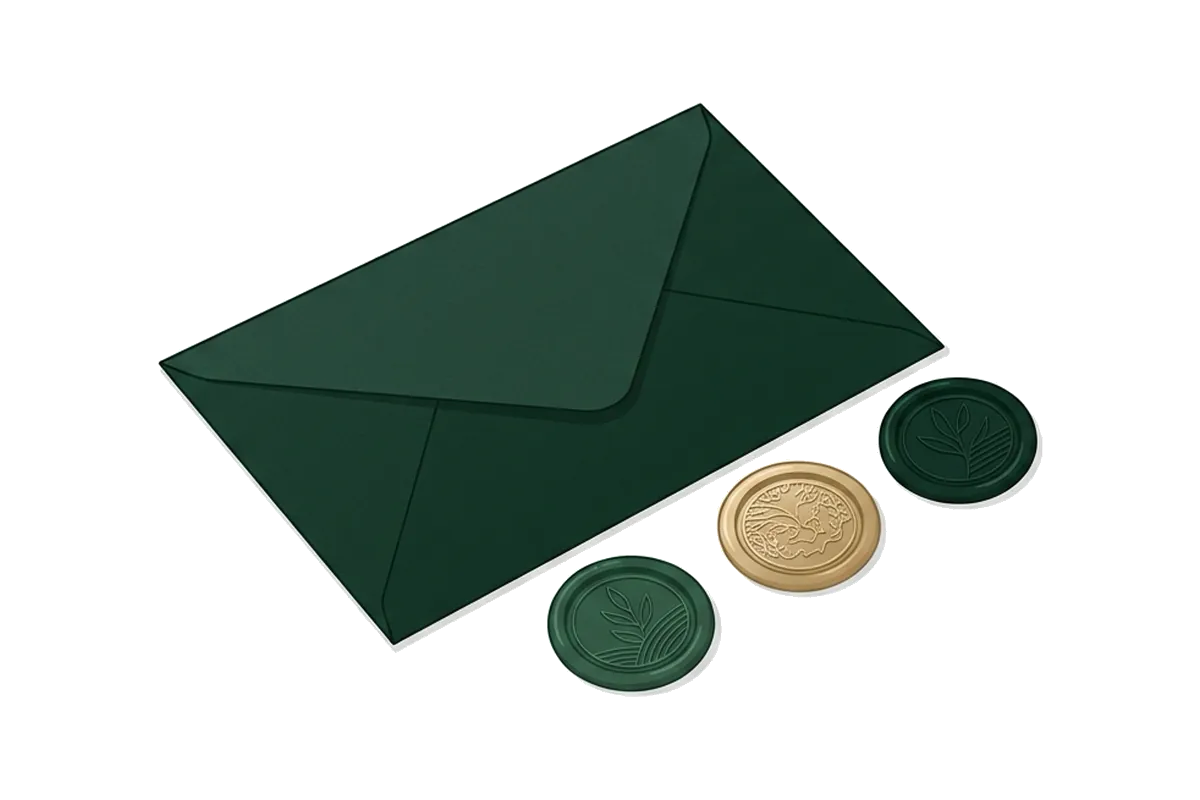
SPF: who's allowed to send
A line in your domain's DNS listing which services may send email for your domain. When an inbox receives email claiming to be from you, it checks whether the sending server is on your list.
DKIM: a signature on every email
Your email service signs each message with a private key. You publish the matching public key in your DNS. If the signature checks out, the inbox knows the email wasn't altered and really came through your service.
DMARC: what to do when checks fail
A policy record telling inboxes what to do with email that fails SPF and DKIM, and where to send reports about it. You can start with p=none, which only asks for reports, then tighten to quarantine or reject once you're sure all your legitimate email passes.
| Record | Proves | Where it lives | Who gives you the value |
|---|---|---|---|
| SPF | The sending server is allowed | DNS TXT record on the sending domain | Your email service |
| DKIM | The message is signed and unaltered | DNS record on the sending domain | Your email service |
| DMARC | What to do if checks fail; where to report | DNS TXT record at _dmarc on your domain | You write it |
What Gmail and Yahoo require now
Google publishes sender guidelines with a baseline for everyone and stricter rules for bulk senders, defined as those sending around 5,000 or more messages a day to personal Gmail accounts[2].
| Requirement | All senders | Bulk senders |
|---|---|---|
| Authentication | SPF or DKIM | SPF and DKIM[1] |
| DMARC | Recommended | Required; a policy of p=none is enough[1] |
| Spam complaint rate | Below 0.1%, never reaching 0.3%[1] | Same; above 0.3% loses eligibility for mitigation |
| Unsubscribe | Recommended for marketing | One-click unsubscribe for marketing mail |
Google calculates spam rate daily, and says bulk senders become eligible for mitigation again only once their rate stays below 0.3% for seven consecutive days[1]. When authentication fails, Gmail can rate-limit your mail with specific error codes for failed SPF, failed DKIM or a missing DMARC record[1].
Most small products are nowhere near 5,000 emails a day, so the "all senders" column is what applies today. But setting up all three records from the start costs nothing extra, and you won't have to revisit it as you grow.
The one-evening fix
- Pick a sending subdomain, such as
mail.yourproduct.com. This keeps your product's email reputation separate from your own inbox on the main domain. - Add the domain in your email service. It will show you a short list of DNS records: usually SPF and DKIM, sometimes a return-path record.
- Paste those records wherever your domain's DNS is managed. Copy them exactly; a missing character breaks the check silently.
- Add a DMARC record on your main domain, starting with
p=noneand a reporting address you'll actually read. - Wait for verification. DNS changes take from minutes to a few hours.
- Change your "from" address in the product, for example
reminders@mail.yourproduct.com, with your product's name as the sender name. - Send a test to a Gmail address and check the result (below).
Check your setup in five minutes
From any Gmail account
- Send a real email from your product to a Gmail address you control.
- Open it, then choose Show original from the message menu.
- At the top you'll see SPF, DKIM and DMARC results. You want all three to say PASS.
- Check the domain shown next to each. It should be your domain, not your email service's.
- Repeat for each type of email your product sends: sign-in, reminder, receipt.
If one says FAIL, the usual cause is a typo in a DNS record or a record added to the wrong domain or subdomain. If DKIM passes for your email service's domain rather than yours, you're still sending from the shared setup.
Habits that keep you out of spam
- Separate product email from marketing. Different sending addresses, ideally different subdomains.
- Make the sender obvious. Product name in the "from" name; subject lines people recognise.
- Make it easy to stop. A visible notification setting turns "report spam" clicks into quiet opt-outs.
- Warm up a new domain. Send normal volume for a few days before a launch blast if you can, or invite in batches.
- Watch your numbers. Google Postmaster Tools shows your spam rate once you send enough mail to Gmail.
- Remove addresses that bounce. Sending repeatedly to dead addresses hurts your reputation.
Free is enough vs paid earns its place
A free email plan is fine when
- You send under 100 emails on your busiest day
- The free plan lets you send from your own domain with SPF and DKIM
A paid plan earns its place when
- Your busiest day gets near the daily cap (often 100[3])
- You need more than one sending domain
- Email is how your product delivers value, so missing messages cost customers
Questions
Do I need DMARC if I'm a small sender?
It's not required below the bulk threshold, but it's free, it gives you reports on who sends email as your domain, and it's required once you grow. Add it with p=none on day one.
Why use a subdomain for sending?
It separates your product's sending reputation from your personal and team email on the main domain. If something goes wrong with product email, your own inbox isn't affected.
My emails pass all checks but still go to spam. Why?
Authentication proves who you are, not that people want your mail. Look at content and engagement: unclear subjects, link shorteners, image-only emails, and sending to people who didn't ask all hurt.
Does the email service matter?
Less than your setup. Any reputable transactional email service supports SPF, DKIM and custom domains. What matters is that you configure them.
Tonight: open "Show original" on one email your product sends. If anything isn't PASS, follow the one-evening fix. Then make sure the volume works too: Free tiers that break on launch day.
Sources
Checked 14 November 2026. Numbers in brackets in the text point to these sources.